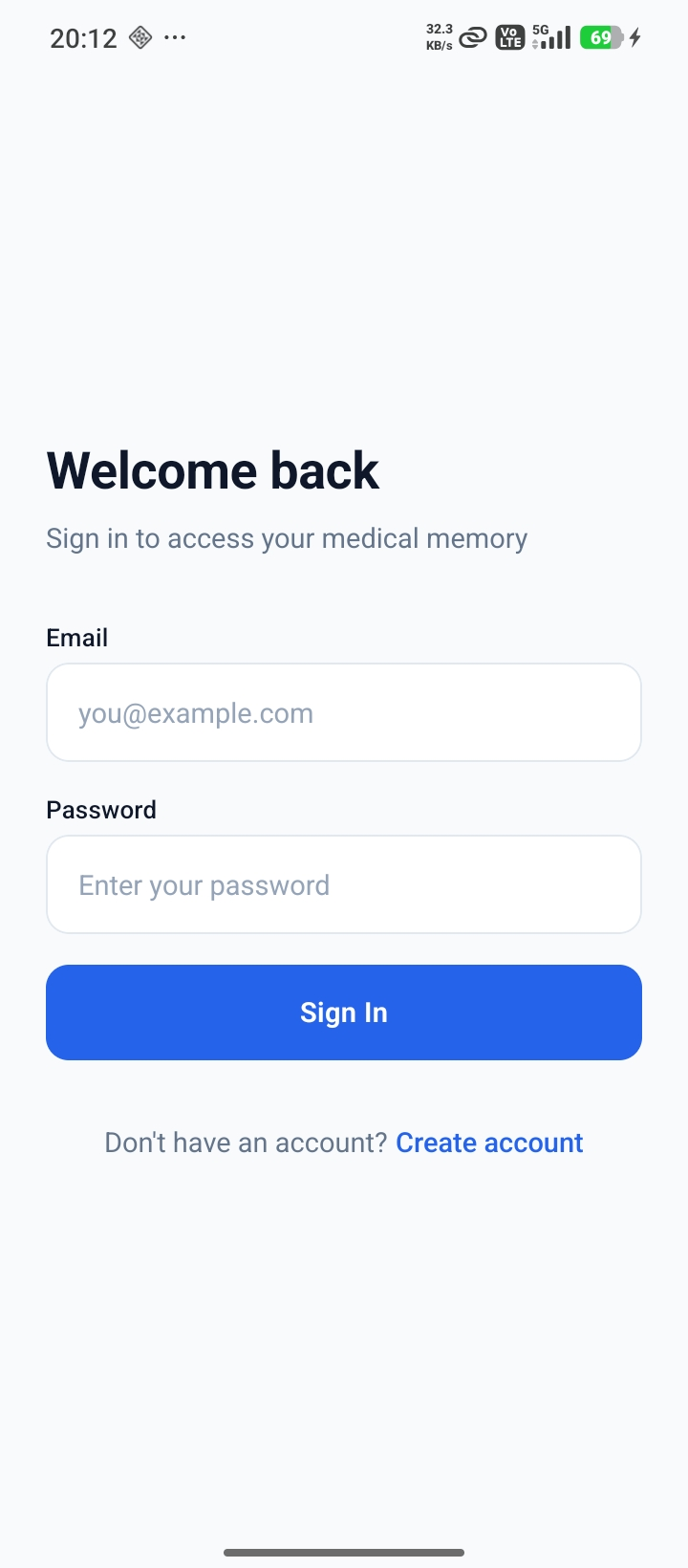
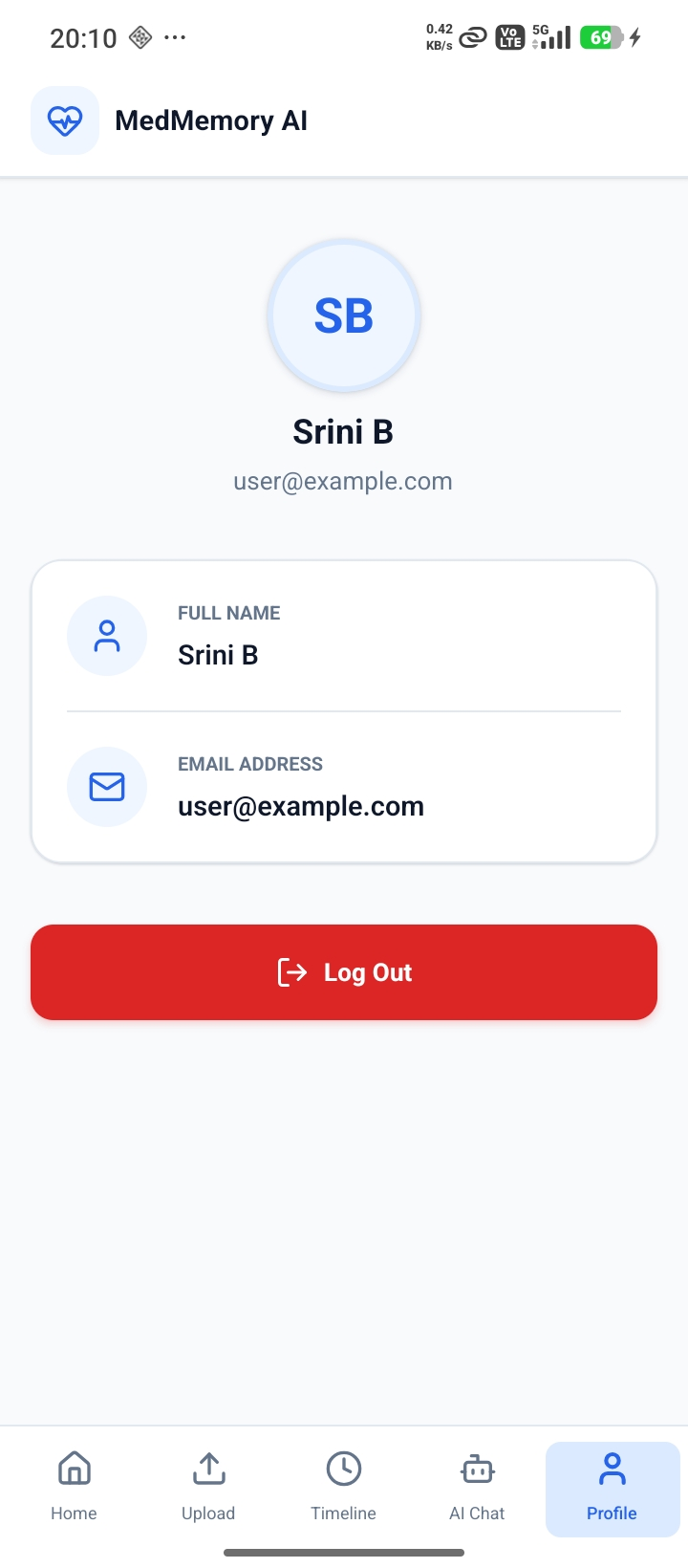
🕹️ How to Use
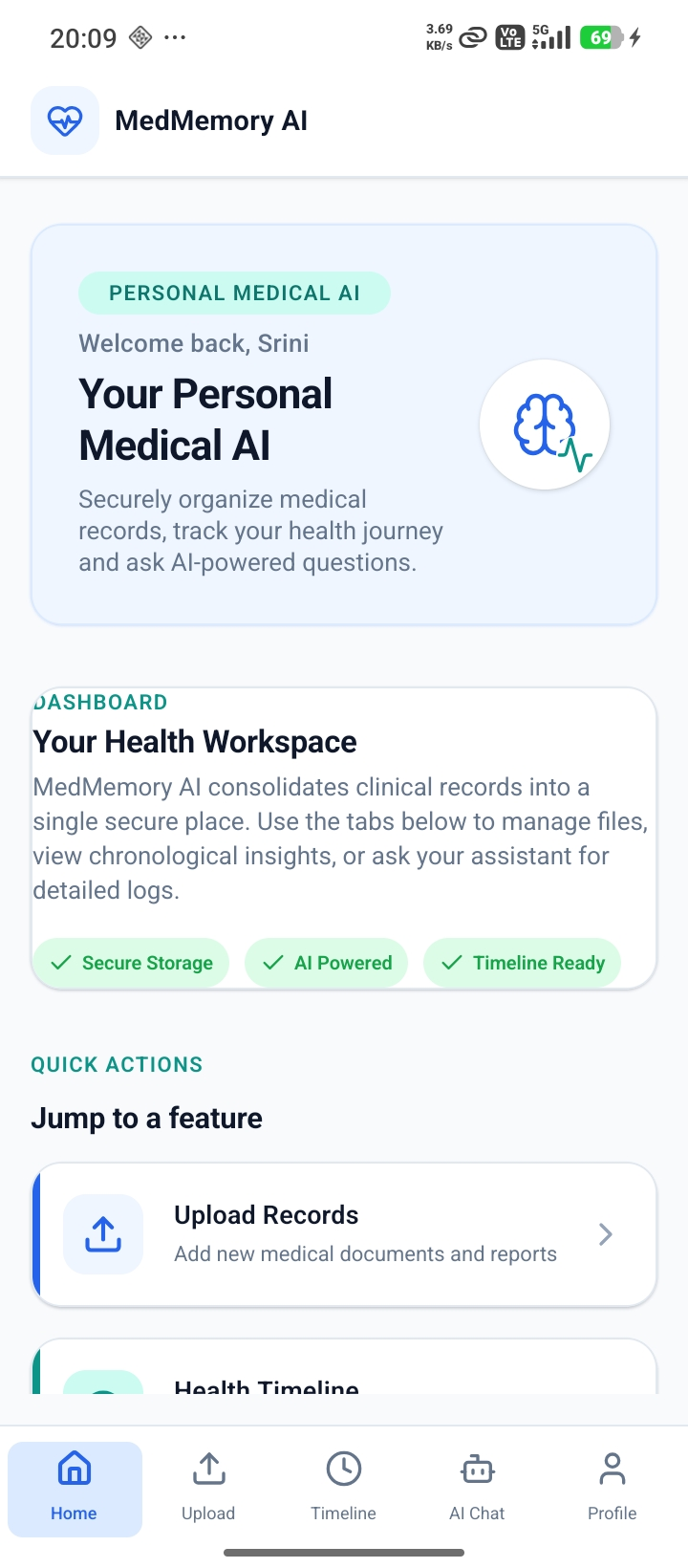
1. Upload Medical Records
Upload prescriptions, lab reports, discharge summaries, or other medical documents through the application.
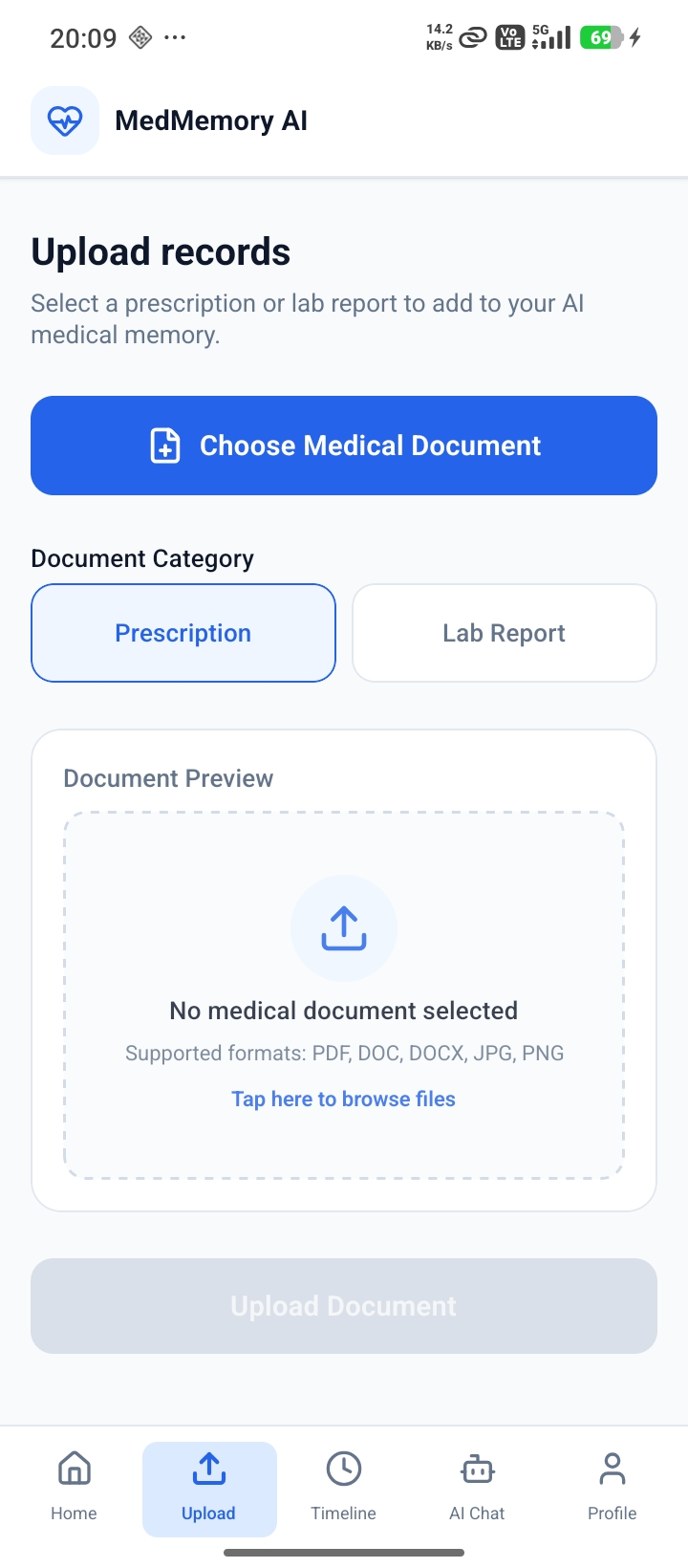
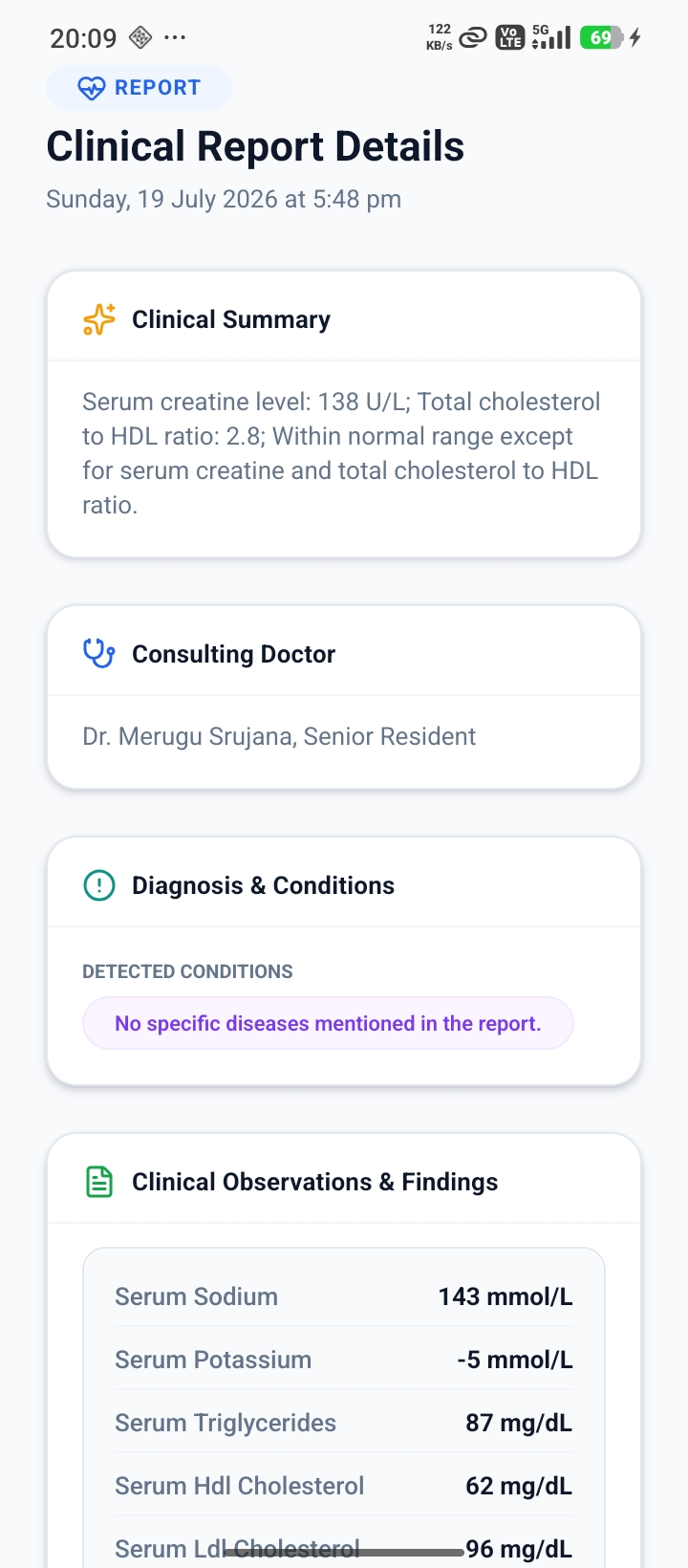
2. Automatic Health Memory Generation
MedMemory processes your documents using OCR and AI to extract important medical information such as:
- Diagnoses
- Symptoms
- Medications
- Test Results
- Doctors & Hospitals
- Treatment History
The extracted information is then organized into your personal health memory.
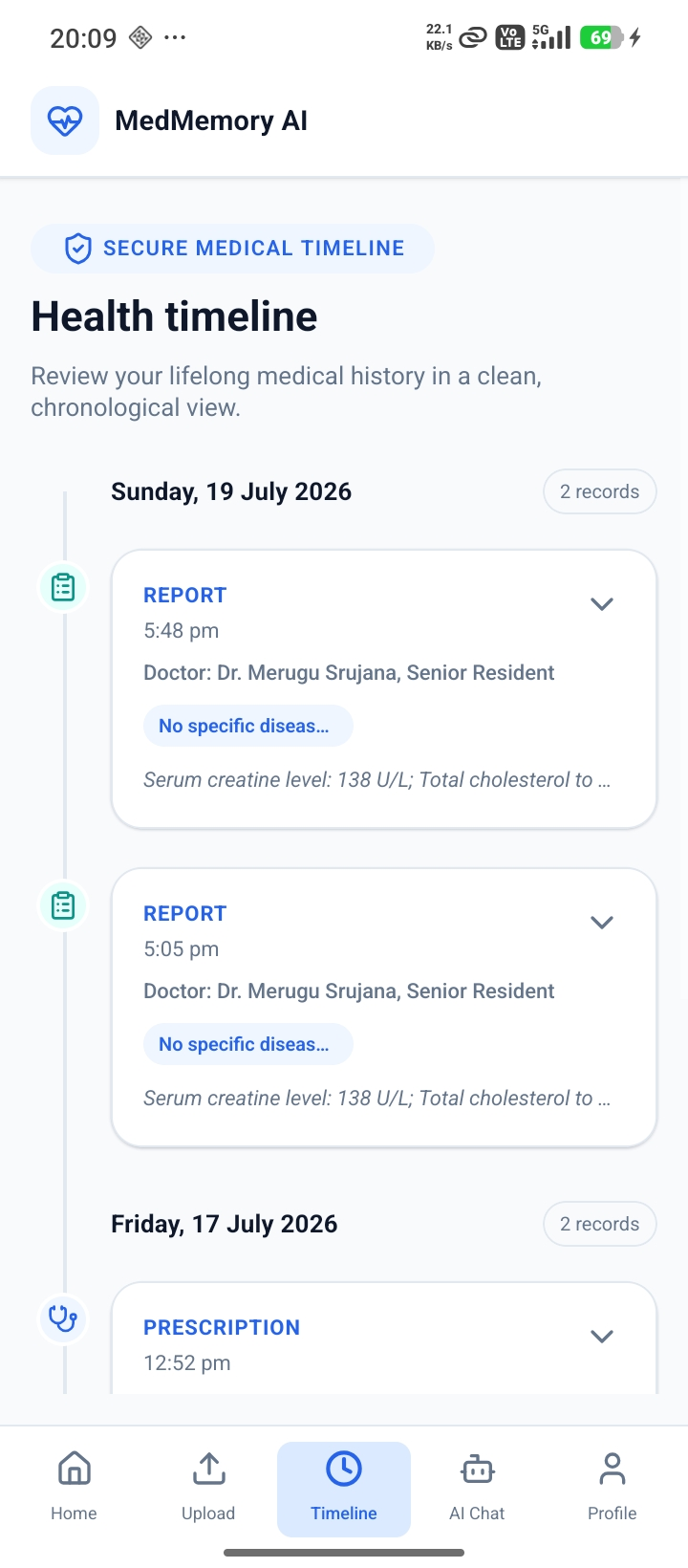
3. Explore Your Health Timeline
View your medical history in a structured chronological timeline.
Track:
- Medical conditions
- Treatments
- Prescriptions
- Reports
- Healthcare visits
all in one place.
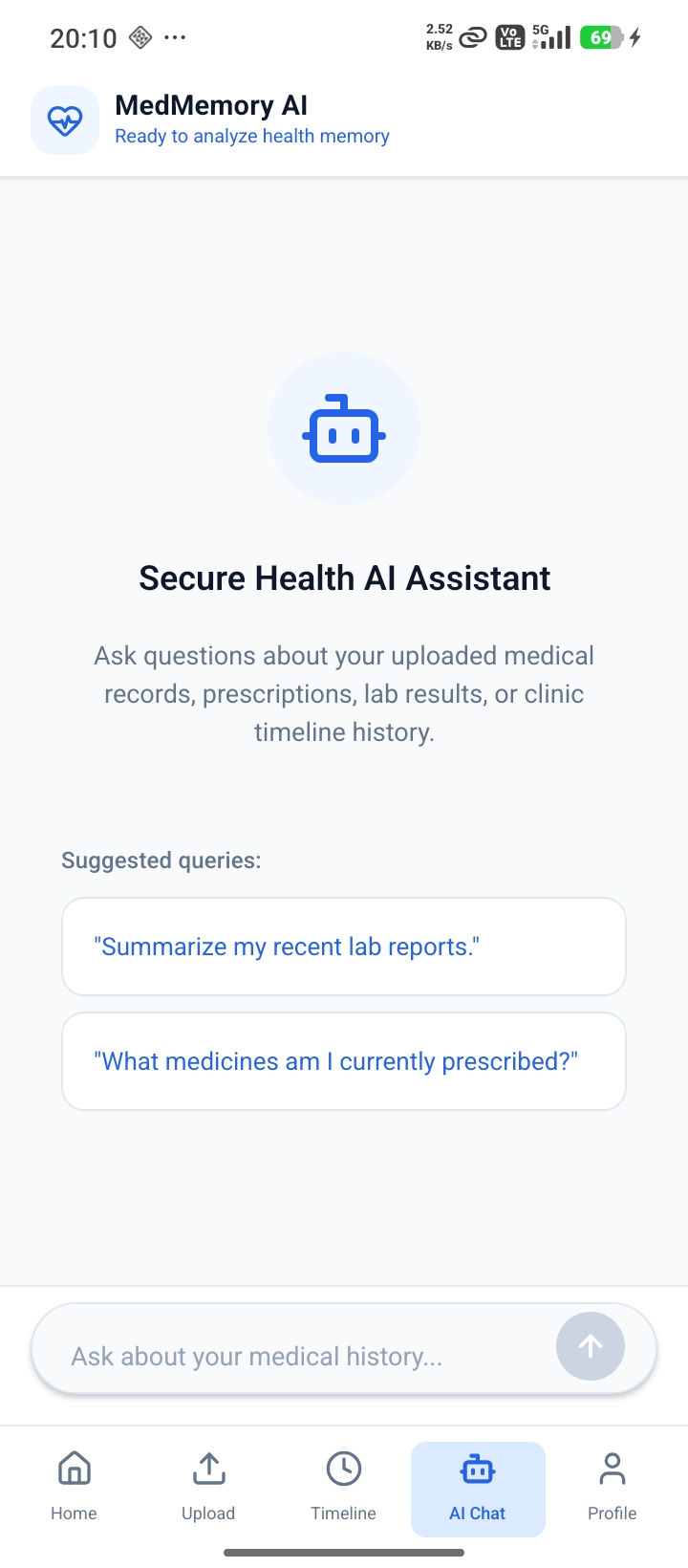
4. Chat With Your Medical History
Use the AI assistant to ask questions about your health records.
Example queries:
- When was I diagnosed with diabetes?
- What medications have I taken for hypertension?
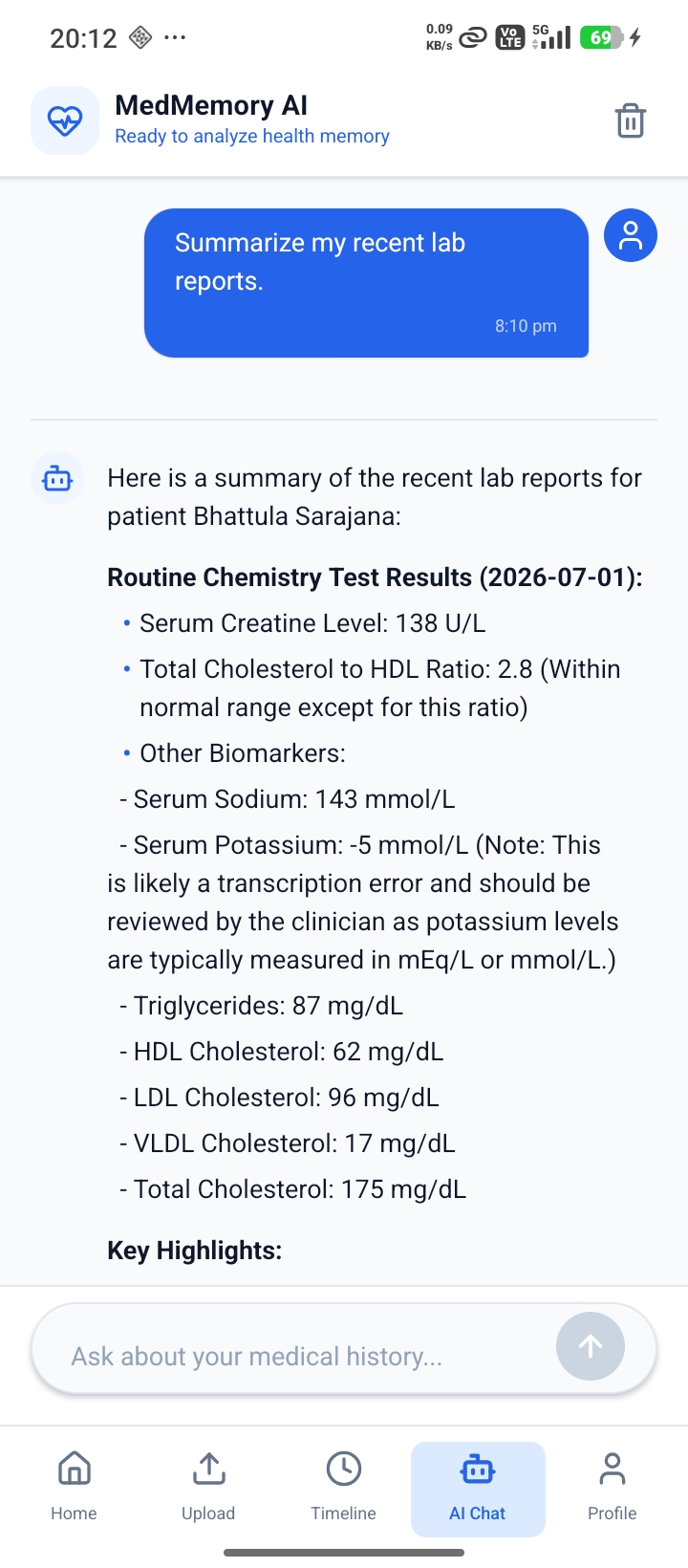
- Summarize my recent lab reports.
- How has my treatment changed over time?
The AI retrieves relevant information from your health memory and generates contextual responses.
5. Continue Building Your Health Memory
Upload new medical documents anytime to keep your timeline and AI memory up to date.